
Tutorial
How to Create a Globe Text Animation for Your Videos
by TypeFlow Studio3 min read
How to Create a Globe Text Animation for Your Videos
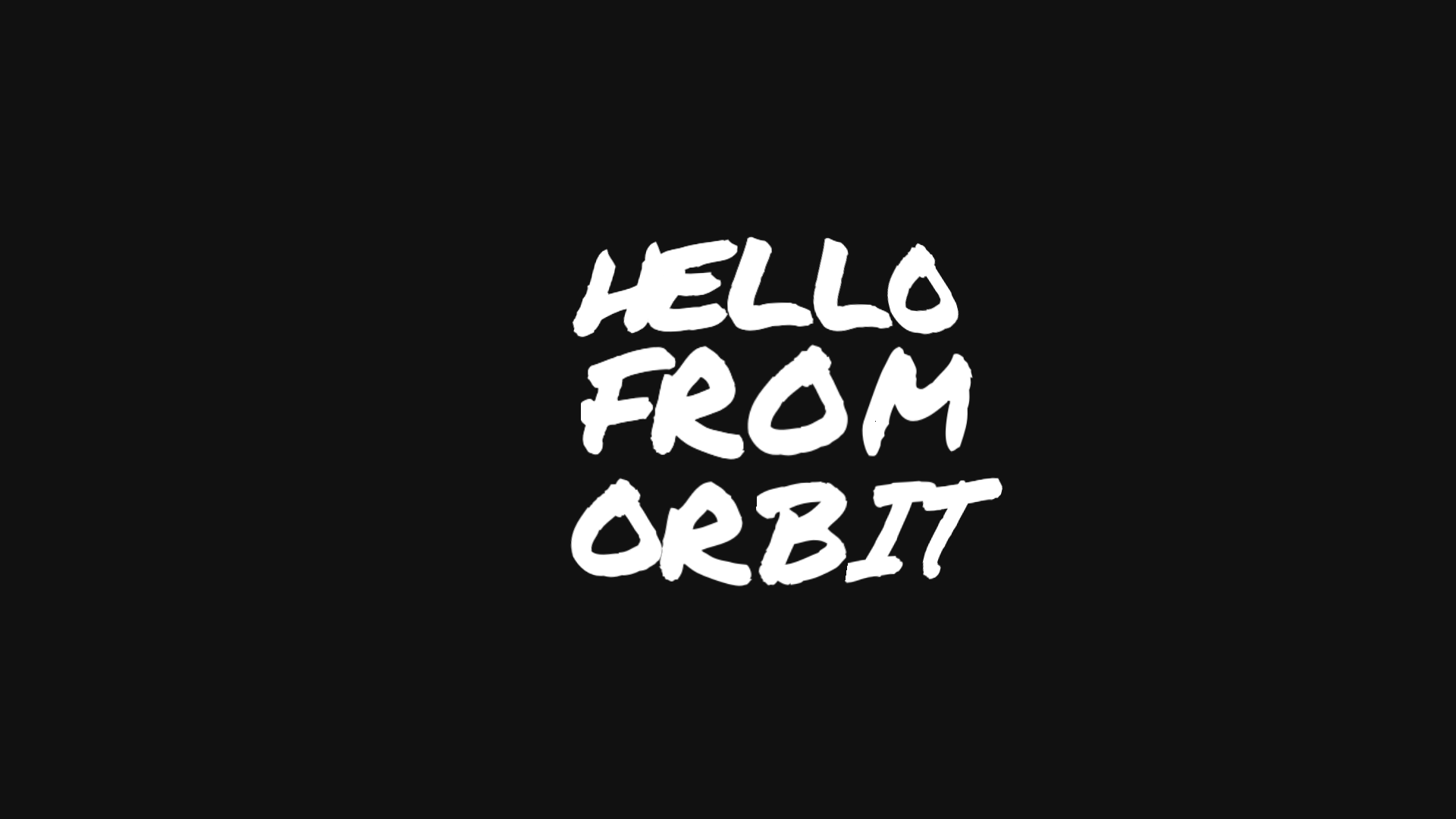
Text wrapped around a globe is a distinctive look often seen in travel films, opening titles and chapter cards. The words follow the curve of a sphere, giving the impression that they're sitting on the surface of a slowly moving world.
TypeFlow's Sphere Text template lets you create this effect directly in your browser. Add up to four lines of text, with a maximum of 18 characters per line. Choose between handwritten and cleaner typefaces, then adjust the curve to get the look you want.
Customising the Text and Motion
You can fine-tune the font size, weight, letter spacing and line spacing to get your text looking right. The curve radius controls how closely the letters follow the shape of the globe.
The animation itself is a gentle rocking motion, which you can adjust horizontally and vertically. You can also control how long the animation holds. Rather than a full rotation, the globe rocks gently in place.
Sphere Text is available on the Free plan, which includes three exports at 720p. Creator adds unlimited 1080p exports and transparent MOV, while Studio supports exports up to 4K at 60 fps.
How to Make Sphere Text
- Open Sphere Text. Find Sphere Text in the TypeFlow gallery and open it in the editor.
- Write your title. Enter up to four lines, with a maximum of 18 characters per line. Shorter lines generally work better and are easier to read along the curve.
- Choose a font and adjust the curve. Pick your typeface and weight, then adjust the font size, letter spacing, line spacing and curve radius.
- Adjust the motion. Set how much the globe rocks horizontally and vertically, and choose how long the animation holds.
- Export your animation. Download your animation as an MP4, transparent MOV or PNG sequence, ready to use in your video editor.
Export your globe title
Once you're happy with the title, export it as an MP4, transparent MOV, or PNG sequence. Bring it into Premiere Pro, Final Cut Pro, DaVinci Resolve, or CapCut. Sphere Text is on the Free plan, with higher resolution and transparent MOV on Creator and Studio.
Open the template