
Tutorial
How to Use Motion Graphics in YouTube Videos
by TypeFlow Studio4 min read
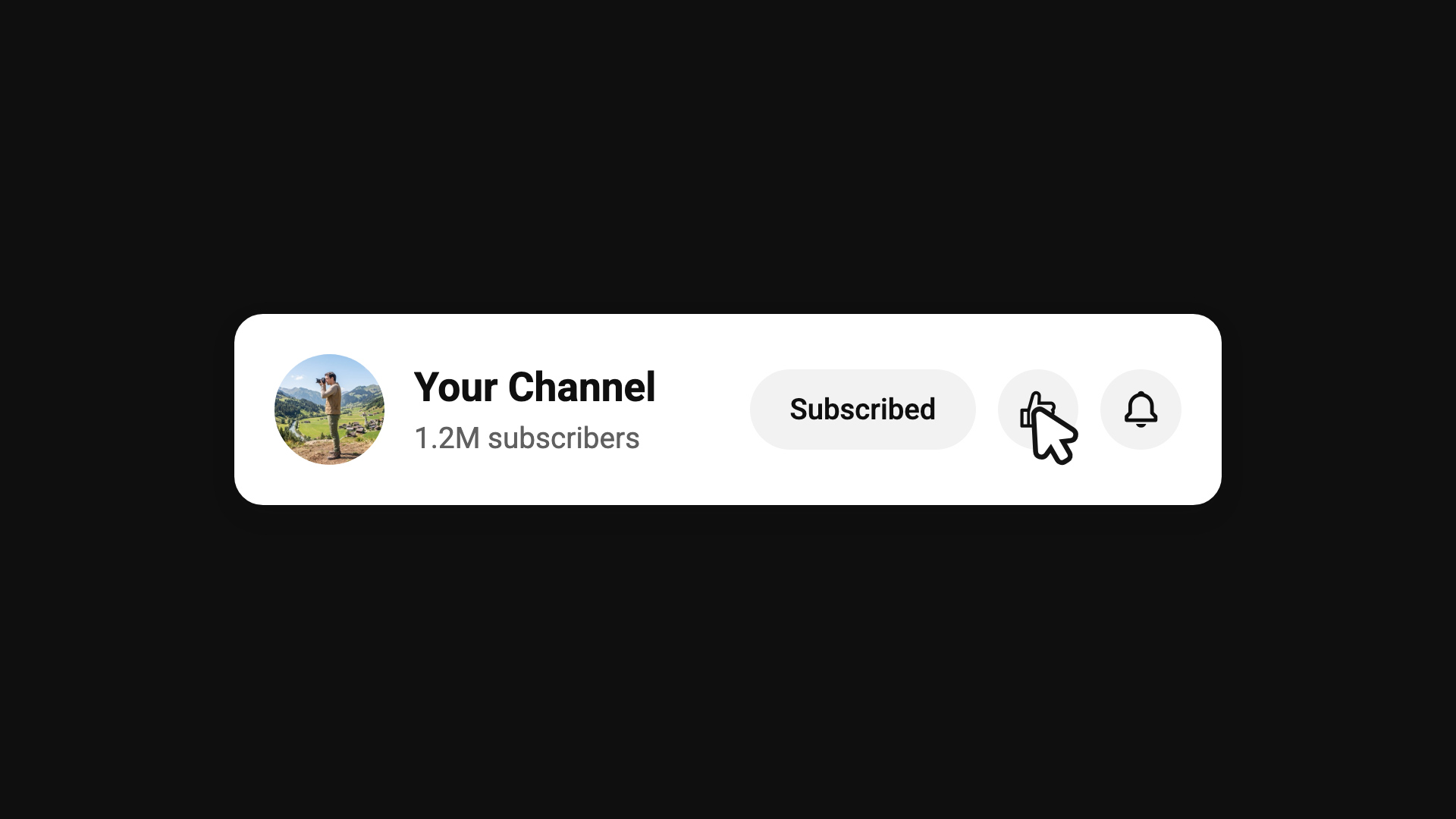
Open ten popular YouTube videos and you'll notice they borrow from the same short list of graphics: an opening title, a lower third while someone talks, a subscribe card, a headline-style explainer moment, and something near the end that leads into the end screen. That's good news if you're starting out, because one tool can make all of them. The work is in choosing what to make and timing it well.
What to Make First
Start with the title viewers see in the first five seconds, then the subscribe card. Nearly every channel has both, and viewers notice when they're missing. Chat overlays and maps can wait until those two look like they belong together.
Keep the words on a subscribe card short, because nobody finishes a full sentence before it disappears. It also helps to match the colors to your thumbnails and end screens, so the whole channel looks like it came from the same place.
Exporting the Graphic
Open a motion graphics maker and choose a template that fits. Export an MP4 for a full-screen title or a transparent MOV for an overlay. TypeFlow has a subscribe template and a news layout for those two jobs. Before you download, watch the whole preview. If the button click lands after you've already asked people to subscribe, fix the timing in the maker.
Export at the same aspect ratio as your video. A 16:9 graphic dropped into a 9:16 Short ends up letterboxed, which looks like a mistake. YouTube accepts both ratios, so you can mix them across your channel as long as each video stays consistent within itself.
Adding It to Your Timeline
In Premiere, CapCut, or YouTube's own editor, put the clip on a layer above your footage. Line the subscribe card up with the moment you actually ask people to subscribe, since a card that shows up two seconds late feels awkward. Make sure the title is gone before the first sentence of your hook. If a graphic overstays its welcome, shorten it in the maker and export again.
One more thing: end screens are a separate feature in YouTube Studio. They're the clickable subscribe button and video cards that YouTube places over the end of your upload. A motion graphic can lead into them, but it can't replace them. Leave room at the end so your graphic doesn't cover the buttons.
Make a YouTube Graphic
Customize a subscribe card or title in the browser and export it for your timeline.
Open subscribe template