

Guide
What Are Motion Graphics?
by TypeFlow Studio5 min read
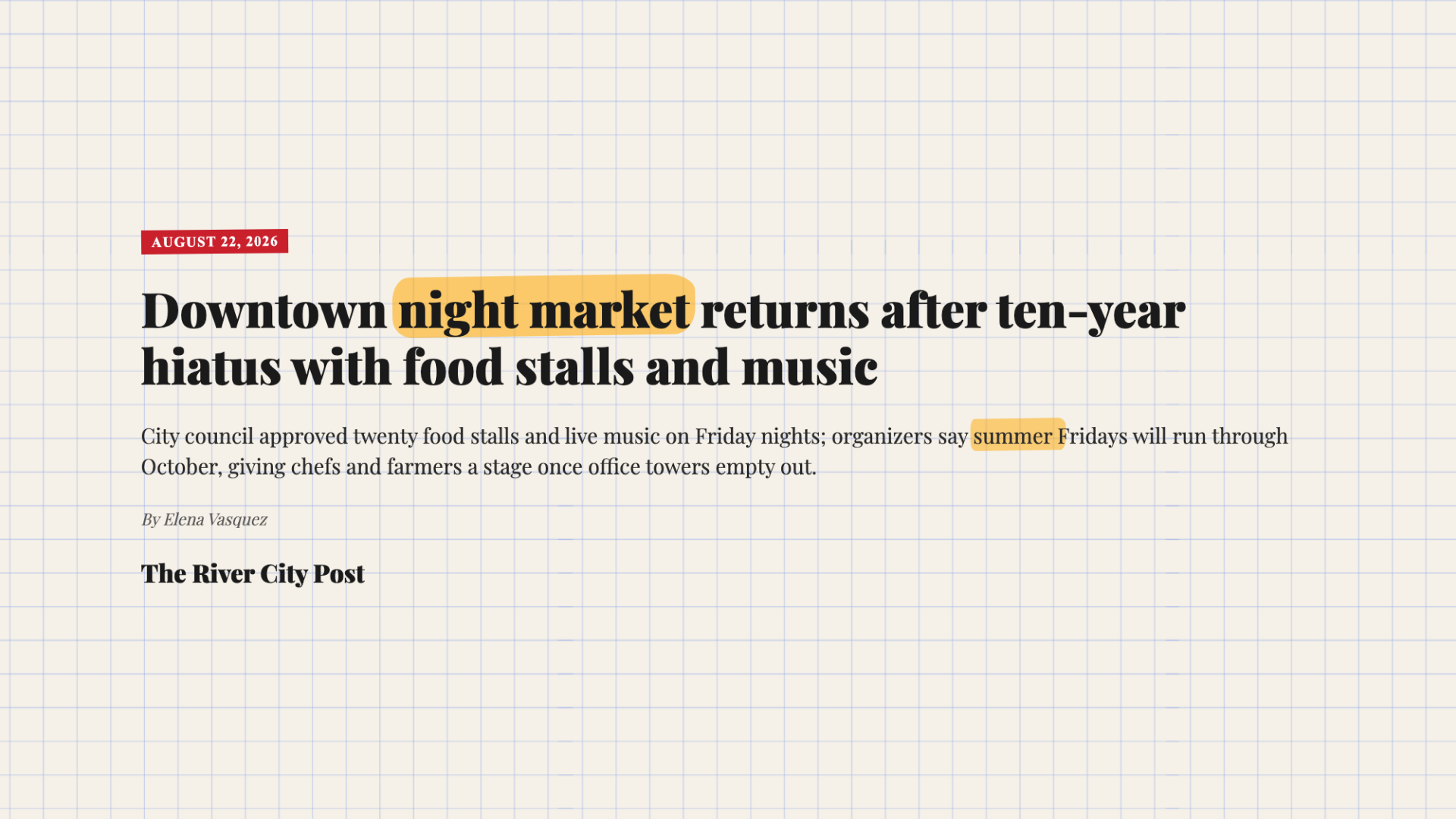
Watch any decent YouTube video and count the things that move but aren't footage. The name that slides in under the speaker. The headline that fills the screen for three seconds. The subscribe button that gets clicked at exactly the right moment. That's motion graphics: animated text, shapes, and icons layered into a video to say one quick thing, then get out of the way.
People often lump them in with animation, and it's an easy mistake. Animation usually means characters and a story. Motion graphics are closer to design that happens to move: type, maps, charts, fake screens. Plenty of explainer channels blend the two, so the line gets blurry, but for most YouTube and social videos, motion graphics are the piece you actually need.
What They Look Like in Real Videos
Explainer channels love a headline on paper texture, with a highlighter sweeping across the words as the narrator reads them. Product videos animate the launch title so the name looks finished before anyone says it out loud. In travel vlogs, a pin drops onto a map or a boarding pass flashes up, and you know where the trip is without a caption hanging around for the whole scene.
Tutorial and software channels use them to fake screens they can't, or won't, record: a search bar that types itself, or a chat that fills up one message at a time. These clips last a few seconds, so nobody wants to spend an afternoon making one. The file format is the only technical choice that matters. Use an MP4 when the graphic is its own shot, and a transparent MOV when it has to sit on top of footage without a black box around it.
Where They Go in a Video
The usual spots are the opening title, a lower third while someone talks, an overlay on B-roll, and an end card. A good rule is to keep a graphic up only as long as the line it supports. Leave it longer and it starts to feel like clutter.
Premiere Pro, Final Cut, DaVinci Resolve, and CapCut can all do simple titles. Once you want something like a chat mockup or a flight path, keyframing it by hand gets tedious fast, which is why most people build those elsewhere and import the file.
How People Make Them
After Effects is the standard for custom work, like tracking a graphic onto moving footage or building a full brand package. Canva handles simple animation inside a design file. And if you just want a good shot quickly, there are template tools like the TypeFlow motion graphics maker. You open a template such as the news article layout or the flight route, change the text, and export. What you see in the preview is what you get.
If you're not sure where to begin, skip the tool comparison and look at your video. Is there a moment that feels bare? A missing title, a number that needs to land, a place you never named? Make that one graphic first.
Browse the Templates
Open a finished graphic, change the words, and export a clip for your editor.
Browse templates